Minimum hardware requirements for the QuickSee Free Companion App
Connectivity (any operating system and hardware):
Bluetooth 5.0 or higher (Android and Windows); Bluetooth 5.2 or higher (macOS).
Internet functionalities require an active internet connection (cable or wireless) with a download speed of at least 3 Mbps.
Hardware requirements (any operating system):
Storage: At least 500 MB of available disk space.
At least 2 GB of RAM Memory.
Any microprocessor capable of running one of the following operating systems.
Operating systems:
Desktop computers running Windows 10 or 11, version 21H2 or later, Architecture x86_64. Note: This product will no longer support Windows 10 once Microsoft ends official support for the operating system.
Desktop computers running macOS, Sonoma version 14.0 or later.
Tablet or smartphone running Android 11 (Red Velvet Cake) or higher.
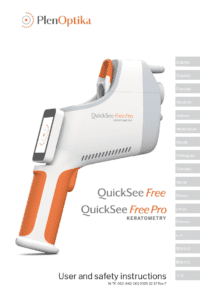
Are you ready to learn how to use QuickSee Free / Free Pro effectively? Tell us about yourself and your circumstances and we will reach out to arrange a training session with you.